
Ranking sites
Every site has a ranking, which you choose from the ⚖ button on any of its results, from the toolbar popup, or in Settings → Your sites.
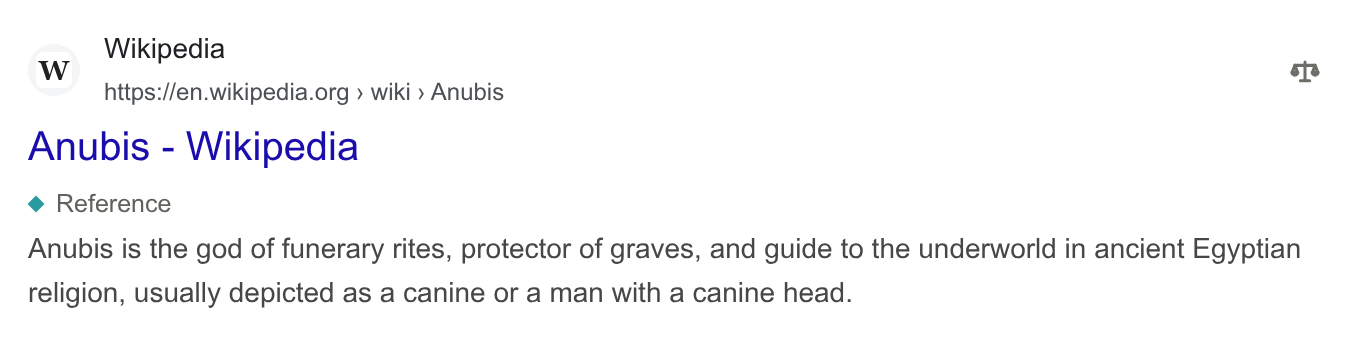
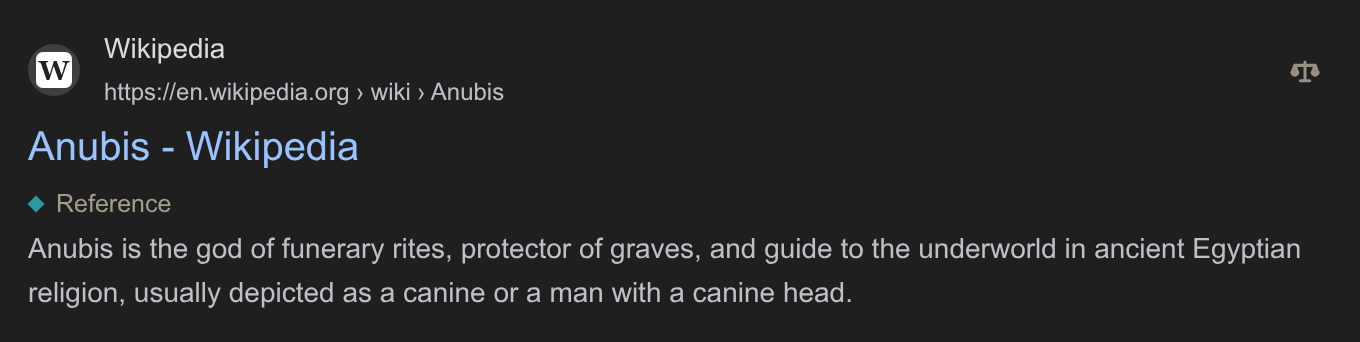
The button's balance tips with the site's ranking: down on the left for a lowered site, up for a raised one, and level for the rest. A pinned site's button shows a gold pin instead of a redundant label; a hidden site's (once you show it) shows a crossed-out eye. The result has no separate "Pinned" or "Hidden" label because the selector already shows its ranking. "Raised" and "Lowered" labels remain beside the tags.
| Ranking | What happens to the site's results |
|---|---|
| Hide | They disappear, or shrink to one line you can open (see Hidden results). |
| Lower | They move five places down, with a "Lowered" label under the title. |
| Normal | They stay where the engine put them, whatever your lists say. |
| Raise | They move five places up. |
| Pin | They go to the top, with a thin gold outline (grey with the Plain colours in Settings → Appearance). |
Your choice always beats your lists. If a list lowers a site and you raise it, it's raised. Without a choice of yours, the lists' rankings and the tags you set to Raise or Lower add up.
After a change from the menu, the summary above the results says what you did ("Hid fandom.com.") with an Undo button. Undo puts the site back as it was before you opened its menu, tags included, even after several changes. It stays until your next search, or until you change another site.
How much of the site
A ranking covers a site and all of its subdomains. The name at the top of the menu chooses the level: choosing wikipedia.org covers every language's Wikipedia, and en.wikipedia.org only the English one. The most specific choice wins, so you can hide fandom.com and still raise minecraft.fandom.com.
Reranking
Anubis reorders the results already on the page; it can't fetch results the engine didn't send. A raised result from the bottom of page 1 moves up, but a site that's only on page 3 needs Load more results first.
To keep the engine's order and only use tags and hiding, turn off Settings → Appearance → Rerank results.
Hidden results
Settings → Appearance → Hidden results sets how hidden results look:
- Remove (the default): gone from the page. The summary above the results counts them, and Show hidden brings them back.
- Collapse: one line naming the site and why it's hidden, with a Show button. Hidden results in a row share one line ("fandom.com and 5 more hidden by your list"), and its Show brings back all of them.
- Dim: left in place, faded.
Your sites
Settings → Your sites lists every site you've ranked, with its tags. Change a ranking there, add a site by name, or edit the whole list as text.
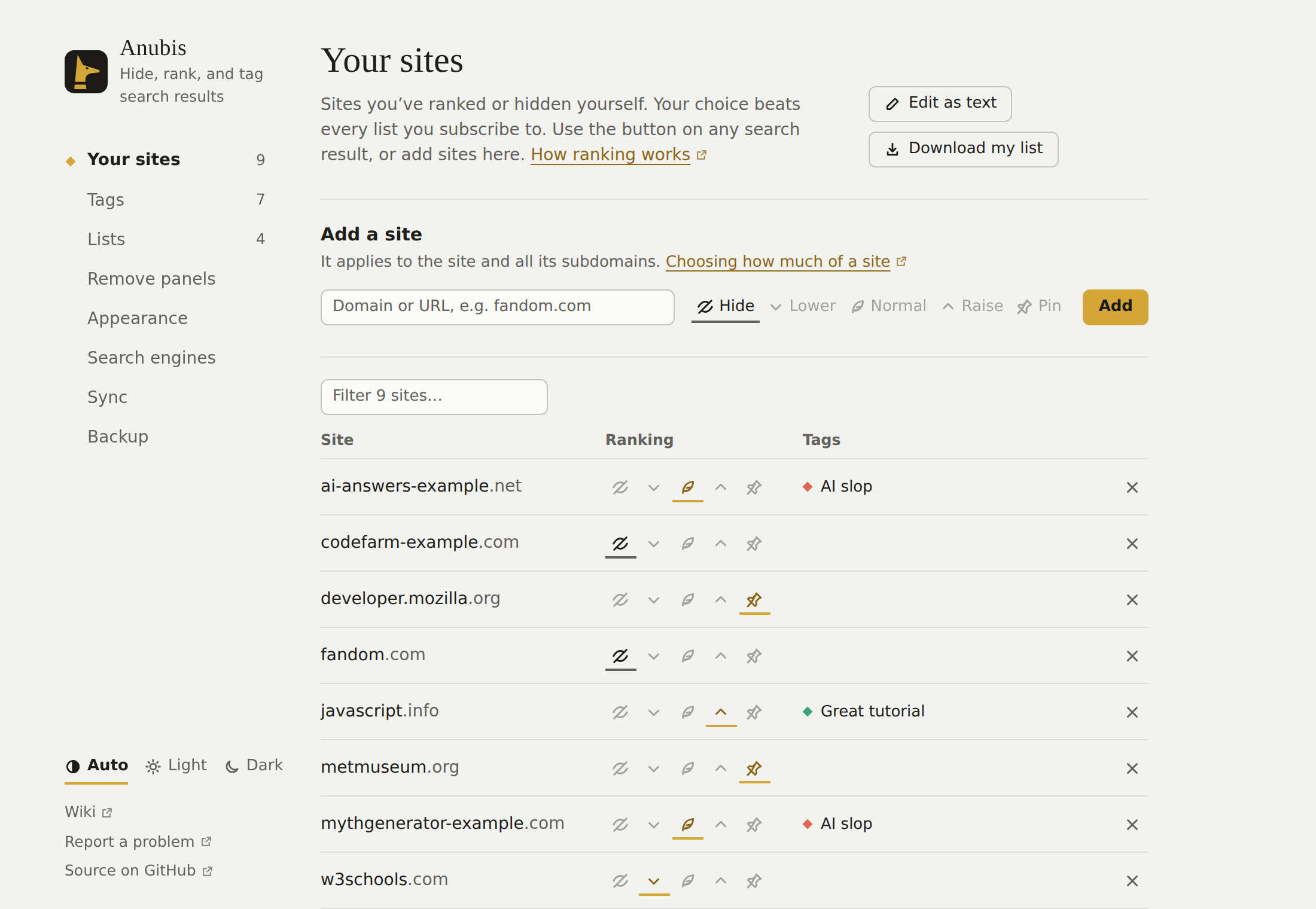
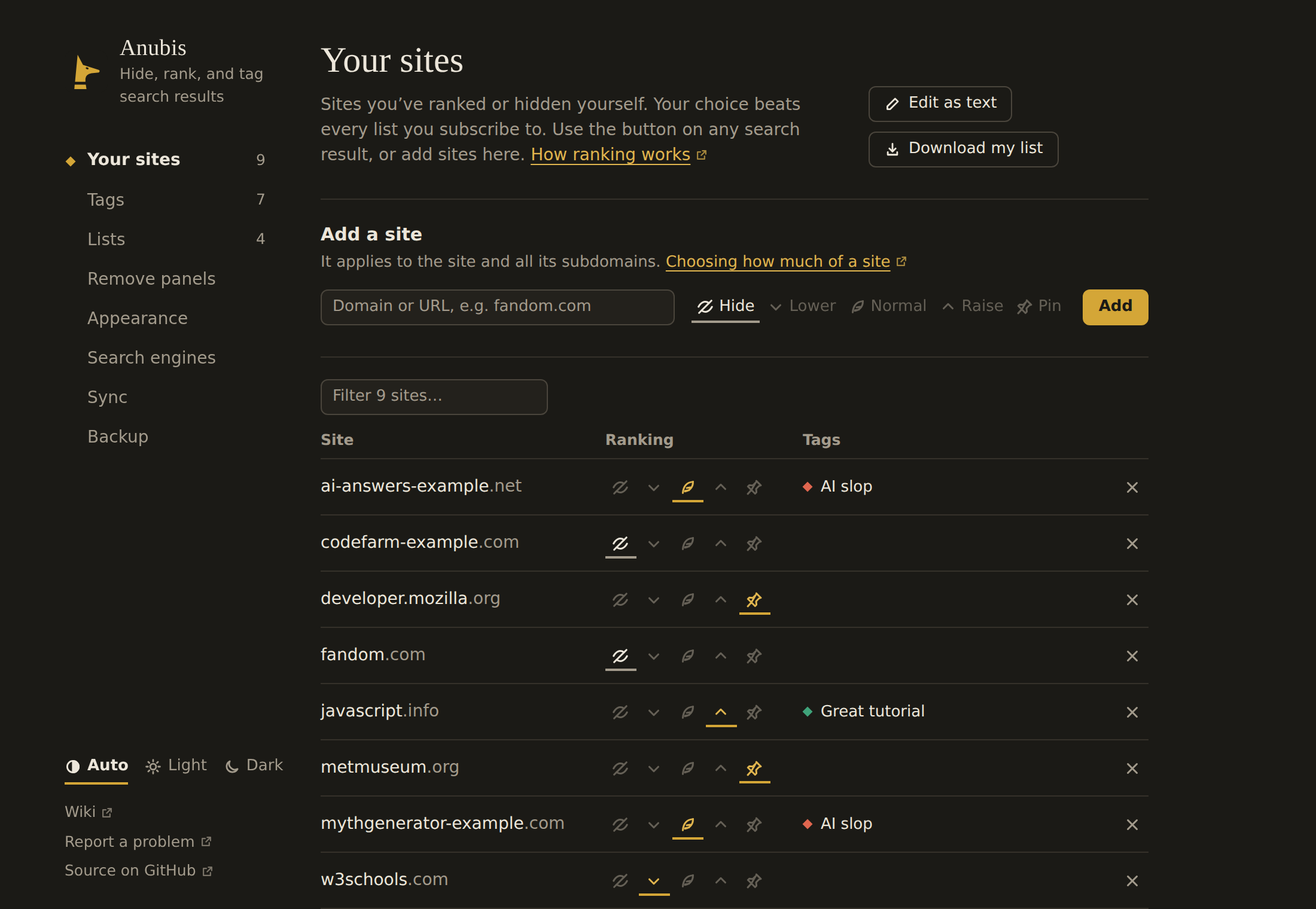
Your sites are saved as a list in the Anubis list format, so you can publish it for others to subscribe to. It's kept in your browser's sync storage, so it follows you to other computers where you're signed in to the same browser account (more about sync).